That shift raises real questions for small businesses, nonprofits, and law firms: What does a hosted phone system actually cost? What features matter? Is this even the right fit for a 15-person nonprofit or a busy law office?
This guide breaks down what hosted phone systems are, how they work, what to expect on price, and how to pick a provider that won't leave you stranded during an outage.
Key Takeaways
- Hosted phone systems run entirely in the provider's cloud: no on-site PBX hardware required
- Expect $15–$50 per user/month; feature-rich plans can reach $75–$100
- Prioritize auto attendants, call routing, voicemail-to-email, mobile apps, and analytics
- Call quality depends on stable, sufficient internet bandwidth
- A managed IT partner can simplify selection, setup, and network readiness testing
What Is a Hosted Phone System?
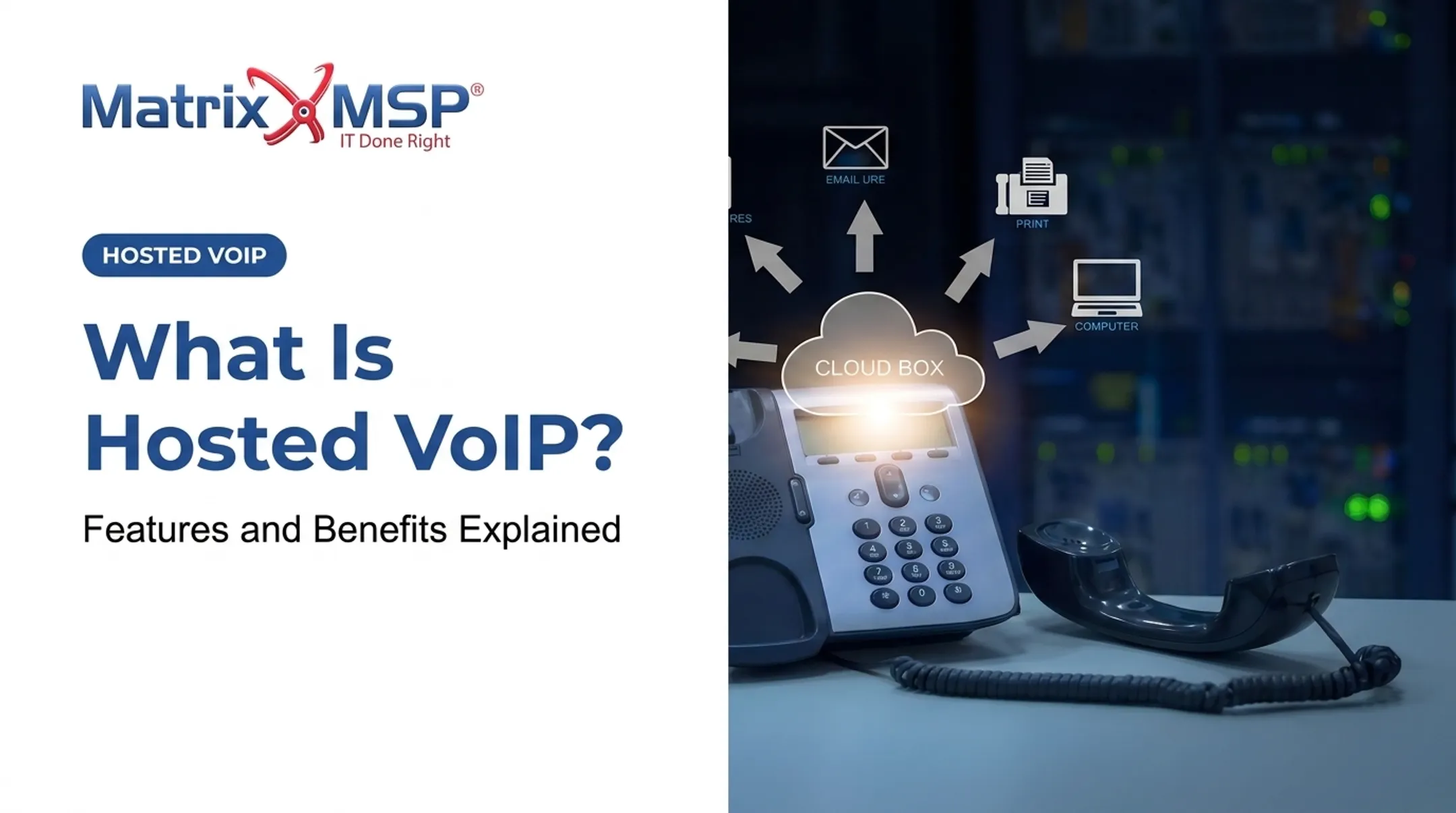
A hosted phone system is a cloud-based business phone solution managed off-site by a provider. Instead of routing calls through an on-premise PBX box in your server closet, calls travel over the internet as digital packets, using VoIP (Voice over Internet Protocol) technology.
Here's how that differs from older setups:
- On-premise PBX: You own the hardware, handle maintenance, and pay for repairs when something breaks
- SIP trunking: Connects an existing on-premise PBX to the phone network — it's connectivity, not a hosted system itself
- Hosted/cloud PBX: The provider owns and operates the call-control platform; you just connect devices to it
A basic call flow works in four steps:
- Your device connects to the provider's cloud infrastructure
- Voice converts into digital packets
- The cloud PBX routes the call based on your rules (extension, department, auto attendant)
- The call lands on the recipient's phone, laptop, or mobile app

You'll also see this called cloud PBX, virtual PBX, or hosted VoIP. It often serves as the voice component inside a broader UCaaS (unified communications) platform.
You can typically keep using existing desk phones, laptops, and mobile devices with the service, which keeps upfront hardware costs low.
How Does a Hosted Phone System Work?
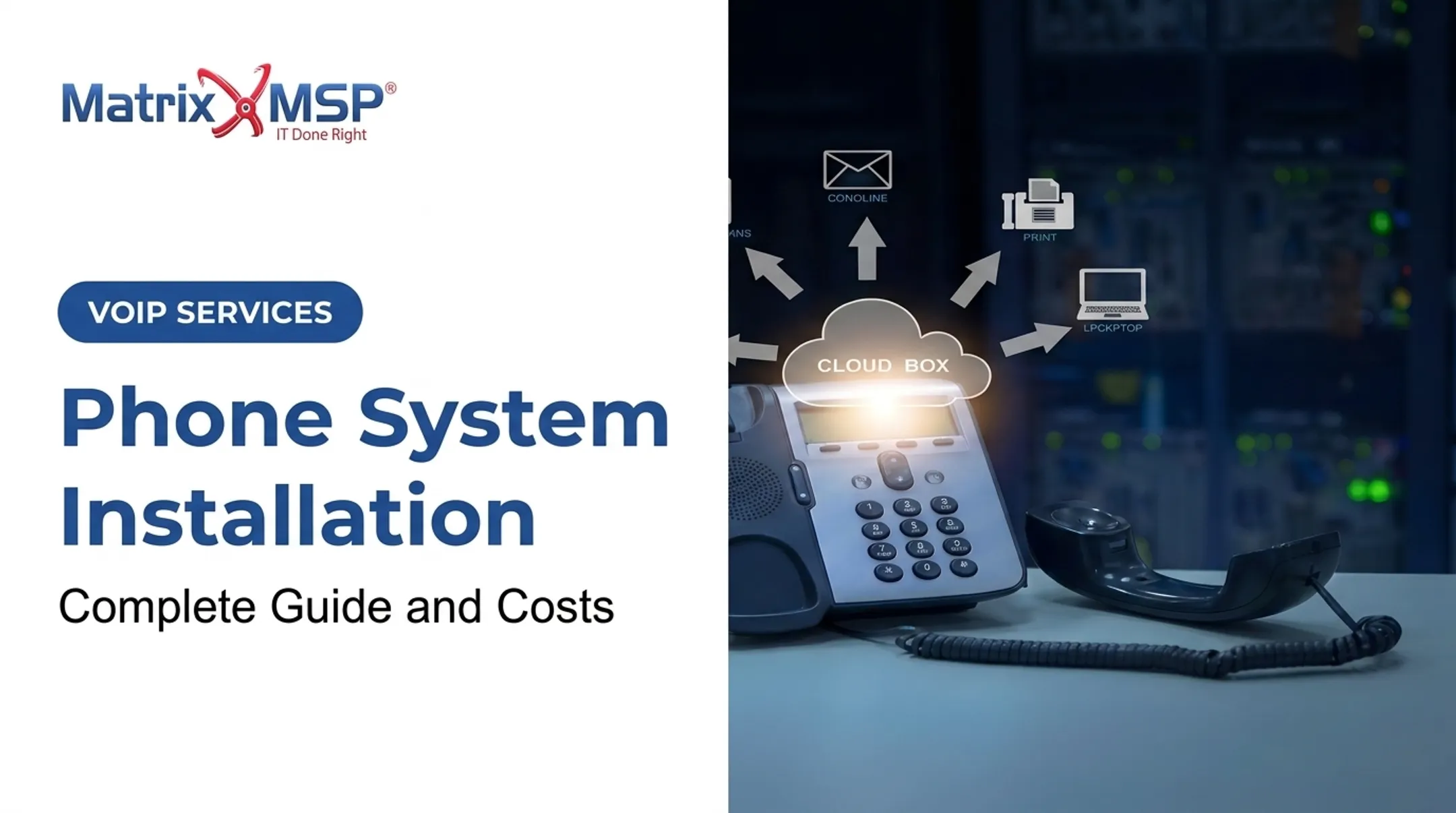
A hosted phone system routes calls over the internet to a cloud PBX in your provider's data center. Switching, call routing, and features run there—not on a phone server in your office.
Setting one up generally follows this sequence:
- Choose a provider and select a plan based on user count and features needed
- Connect to their data center over your existing internet connection
- Configure auto attendants and IVR to route incoming calls automatically
- Place outbound calls via desk phones, softphone apps, or mobile apps tied to your business number
Bandwidth: The Non-Negotiable Requirement
Zoom's own network guidance pegs bandwidth needs for a VoIP call at roughly 60-100 kbps per line, upload and download. A reasonable planning rule: budget about 0.1 Mbps per simultaneous call, then add headroom for other network traffic. Skimp on bandwidth and you'll hear it: dropped calls, choppy audio, delayed audio.
Once bandwidth is in place, day-to-day operations stay light on your side. The provider handles maintenance, security patches, and platform updates—not your internal IT team. For organizations without dedicated telecom staff, that model often fits cleanly alongside a managed IT services relationship.
The same centralization helps hybrid and distributed teams. An employee at home, in a satellite office, or overseas can use the same extension as someone at headquarters.

Key Features of a Hosted Phone System
Must-Have Calling Features
At minimum, look for:
- Auto attendant/IVR — routes callers without a human operator
- Call routing and forwarding — sends calls to the right person or department
- Voicemail-to-email transcription — turns voicemails into readable text
- Call recording — useful for training, compliance, and dispute resolution
- Mobile and desktop apps — make and receive business calls from any device, anywhere
Advanced & Collaboration Features
Many hosted platforms bundle in more than just calling:
- Video conferencing — host client meetings without a separate tool
- Team chat/messaging — keep internal conversations tied to the same platform
- CRM and productivity integrations — log calls and contacts in tools your team already uses
- Real-time call analytics — track volume, missed calls, and team performance
Security & Reliability Features
For regulated industries — healthcare, finance, law firms — this section matters most. Encryption and compliance support (HIPAA, SOC 2) aren't optional extras.
A few things to verify:
- Uptime guarantees: Look for 99.999% availability (under about 78 seconds of downtime per quarter) and a written SLA you can enforce
- HIPAA compliance: HHS allows cloud use for protected health information only when the provider signs a Business Associate Agreement (BAA)
- SOC 2 attestation: Confirms the provider has independently verified security controls

Don't take "HIPAA compliant" at face value. Ask for the actual BAA and confirm what it covers.
If you need help matching these features to your workflows, a managed IT partner like Matrix MSP can evaluate hosted VoIP options alongside your security and compliance requirements.
Hosted Phone System Costs: What to Expect
Hosted phone systems are billed per user/month, subscription-style. U.S. News reported a $10-$75 per-user/month range for small business systems in 2025, with the broader market stretching from $10 to over $100 depending on tier and add-ons.
What drives the price:
- Basic calling vs. bundled UCaaS features (video, chat, integrations)
- Add-ons like AI receptionists or advanced call analytics
- Number of users and contract length (annual plans often cost less per month)
- Devices, number porting, and implementation support
Hosted vs. On-Premise: The Real Comparison
On-premise PBX means upfront hardware purchase, professional installation, and ongoing maintenance contracts. Hosted systems eliminate most of that capital outlay.
Matrix MSP structures its hosted VoIP offering as one flat fee per extension, per month, with the bill scaling up or down as staff changes. Add an employee, add an extension; remove one, and the bill drops on the next cycle.
That flexible pricing is where many of the savings show up. In a Fusion Connect case study of a 12-person law firm with a partner working remotely from Germany, the firm reported $1,000 per month in savings after switching to hosted VoIP (provider-reported, not a universal benchmark).

Don't forget: budget for reliable business-grade internet. A cut-rate connection undermines even the best phone system.
Benefits and Drawbacks of Hosted Phone Systems
Benefits:
- Lower upfront costs: no hardware purchase required
- Scales easily as headcount changes
- Supports remote and hybrid teams without extra wiring
- Simple administration through web portals
- Provider manages maintenance and updates
Drawbacks:
- Fully dependent on stable internet and power
- Per-user costs can add up at scale
- Reliability varies by provider: always check actual SLA terms, not marketing claims
Those trade-offs matter most at decision time. A RingCentral nonprofit survey of more than 500 executives reported a 55% average ROI within 18 months. Treat that as a useful benchmark for broader cloud communications, not phone service alone.
Because uptime hinges on your network, pair the phone decision with a connectivity and security check. Matrix MSP combines hosted VoIP with network and cybersecurity assessments so you can confirm bandwidth, review SLA terms, and validate readiness before you switch.
How to Choose the Right Hosted Phone System Provider
Run any provider through these checkpoints:
- Scalability: Can it grow or shrink easily as your team changes?
- Feature transparency: What's included versus billed as an add-on?
- Remote work support: Does it work well for distributed teams?
- Uptime track record: What's the real SLA, including exclusions and remedies—not just a headline percentage?
- Security compliance: Does it support SOC 2, HIPAA BAA, and PCI scope where you need them?
- Support responsiveness: What's the actual response-time commitment?
- Multi-location support: Can it cleanly cover more than one office?
A vendor-neutral IT partner can compare providers objectively instead of pushing a single option. Matrix MSP, for example, isn't tied to one manufacturer or carrier.
It weighs security, compliance, architecture fit, manageability, service levels, support, and cost before recommending a system. After go-live, Matrix MSP keeps supporting it with 24/7 assistance.
Frequently Asked Questions
What is a hosted phone system?
A hosted phone system is a cloud-based business phone solution managed off-site by a provider. It uses VoIP technology to make and receive calls over the internet instead of relying on on-site PBX hardware.
Is a hosted phone system the same as VoIP?
Not quite. VoIP is the underlying technology that converts voice into digital data. "Hosted" specifically means a provider manages that VoIP system in the cloud on your behalf.
Can small businesses benefit from a hosted phone system?
Yes. Minimal setup, easy scalability, and professional features without expensive hardware make hosted systems well-suited to small businesses and nonprofits with limited IT budgets.
Do I need special equipment for a hosted phone system?
Usually not. Most existing devices work fine, and softphone apps can turn a computer or smartphone into a full business line.
Will a hosted phone system work if the internet goes down?
VoIP requires an internet connection to function, so an outage will interrupt service. Many providers offer failover options, like forwarding calls to mobile numbers, to maintain some continuity.
How much does a hosted phone system cost per month?
Most hosted phone systems run $15 to $50 per user per month, though pricing can reach $75 to $100+ depending on features, add-ons, and contract terms.